> ## Documentation Index
> Fetch the complete documentation index at: https://cashfreepayments-d00050e9-theme-update.mintlify.site/llms.txt
> Use this file to discover all available pages before exploring further.
# Status Codes and Templates
> This page explains the descriptions and possible values for VKYC request and response parameters.
## Status and substatus mapping
The following table lists the possible status and substatus combinations and what each means.
| Status | Sub Status | Explanation |
| ----------------- | ------------------------------------- | ---------------------------------------------------------------------------------- |
| REJECTED | INSUFFICIENT\_BALANCE | The request is rejected due to insufficient balance. |
| RECEIVED | LINK\_GENERATED | The link for Video KYC was generated. Share the link with the user. |
| PRE\_VIDEO\_CALL | AADHAAR\_VERIFICATION\_SUCCESS | The user's Aadhaar details were verified successfully. |
| PRE\_VIDEO\_CALL | AADHAAR\_VERIFICATION\_FAILED | The user's Aadhaar details could not be verified. Ask the user to retry. |
| PRE\_VIDEO\_CALL | AADHAAR\_VERIFICATION\_EXPIRED | The Aadhaar verification session expired. Restart the Aadhaar verification. |
| PRE\_VIDEO\_CALL | USER\_IP\_VERIFICATION\_SUCCESSFUL | The user's IP address was verified successfully. |
| PRE\_VIDEO\_CALL | USER\_PROXY\_DETECTED | A proxy or VPN was detected. Ask the user to disable it and retry. |
| PRE\_VIDEO\_CALL | TECHNICAL\_FAILURE | A technical issue occurred. Retry after some time. |
| PRE\_VIDEO\_CALL | USER\_LOCATION\_VERIFICATION\_SUCCESS | The user's location was verified successfully. |
| PRE\_VIDEO\_CALL | USER\_LOCATION\_OUTSIDE\_INDIA | The user is outside India. Reject the request or ask the user to retry from India. |
| PRE\_VIDEO\_CALL | USER\_AUDIO\_CHECK\_FAILED | The user's microphone is not enabled. Ask the user to enable it. |
| PRE\_VIDEO\_CALL | USER\_VIDEO\_CHECK\_FAILED | The user's camera is not enabled. Ask the user to enable it. |
| PRE\_VIDEO\_CALL | USER\_LOCATION\_PERMISSION\_DISABLED | The user did not grant location access. Ask the user to allow it. |
| PRE\_VIDEO\_CALL | USER\_DEVICE\_CHECK\_SUCCESS | The user's device passed all checks. Proceed to the agent queue. |
| PRE\_VIDEO\_CALL | USER\_QUEUED | The user is waiting for an agent to be assigned. |
| PRE\_VIDEO\_CALL | SCHEDULED\_USER\_QUEUED | The user is queued for a scheduled time. |
| PRE\_VIDEO\_CALL | NO\_AGENT\_FOUND | No agent is available. Retry after some time. |
| PRE\_VIDEO\_CALL | AGENT\_ASSIGNED\_TO\_USER | An agent has been assigned to the user. |
| PRE\_VIDEO\_CALL | USER\_MEETING\_SCHEDULED | The user's meeting is scheduled. Notify the user of the scheduled time. |
| PRE\_VIDEO\_CALL | USER\_MEETING\_CANCELLED | The user's meeting was cancelled. Reschedule or retry. |
| VIDEO\_CALL | USER\_ACCEPTED\_MEETING | The user accepted the meeting. Start the VKYC process. |
| VIDEO\_CALL | USER\_REJECTED\_MEETING | The user rejected the meeting. Reschedule or mark it as failed. |
| VIDEO\_CALL | USER\_MISSED\_MEETING | The user missed the meeting. Reschedule or retry. |
| VIDEO\_CALL | USER\_DROPPED\_OFF | The user disconnected during the meeting. Log and investigate the issue. |
| VIDEO\_CALL | AGENT\_DROPPED\_OFF | The agent disconnected during the meeting. Retry or assign another agent. |
| VIDEO\_CALL | USER\_ENDED\_CALL | The user ended the call. Review the session for completeness. |
| VIDEO\_CALL | AGENT\_ENDED\_CALL | The agent ended the call. Review the agent's remarks. |
| FAILED | TECHNICAL\_ERROR | A technical error occurred. Retry or escalate the issue. |
| AGENT\_REVIEWED | AGENT\_APPROVED | The agent approved the user's KYC. Proceed to the auditor stage. |
| AGENT\_REVIEWED | AGENT\_REJECTED | The agent rejected the user's KYC. Notify the user with the rejection reason. |
| AGENT\_REVIEWED | AGENT\_UNABLE\_TO\_VALIDATE | The agent could not validate the user's KYC. Retry with another agent or session. |
| AUDITOR\_REVIEWED | AUDITOR\_APPROVED | The auditor approved the user's KYC. Mark the verification as complete. |
| AUDITOR\_REVIEWED | AUDITOR\_REJECTED | The auditor rejected the user's KYC. Mark the verification as failed. |
## User template (`user_template`)
A user template defines the customer journey and which steps are included in VKYC.\
Possible values:
### vkyc\_user\_okyc\_template\_v1
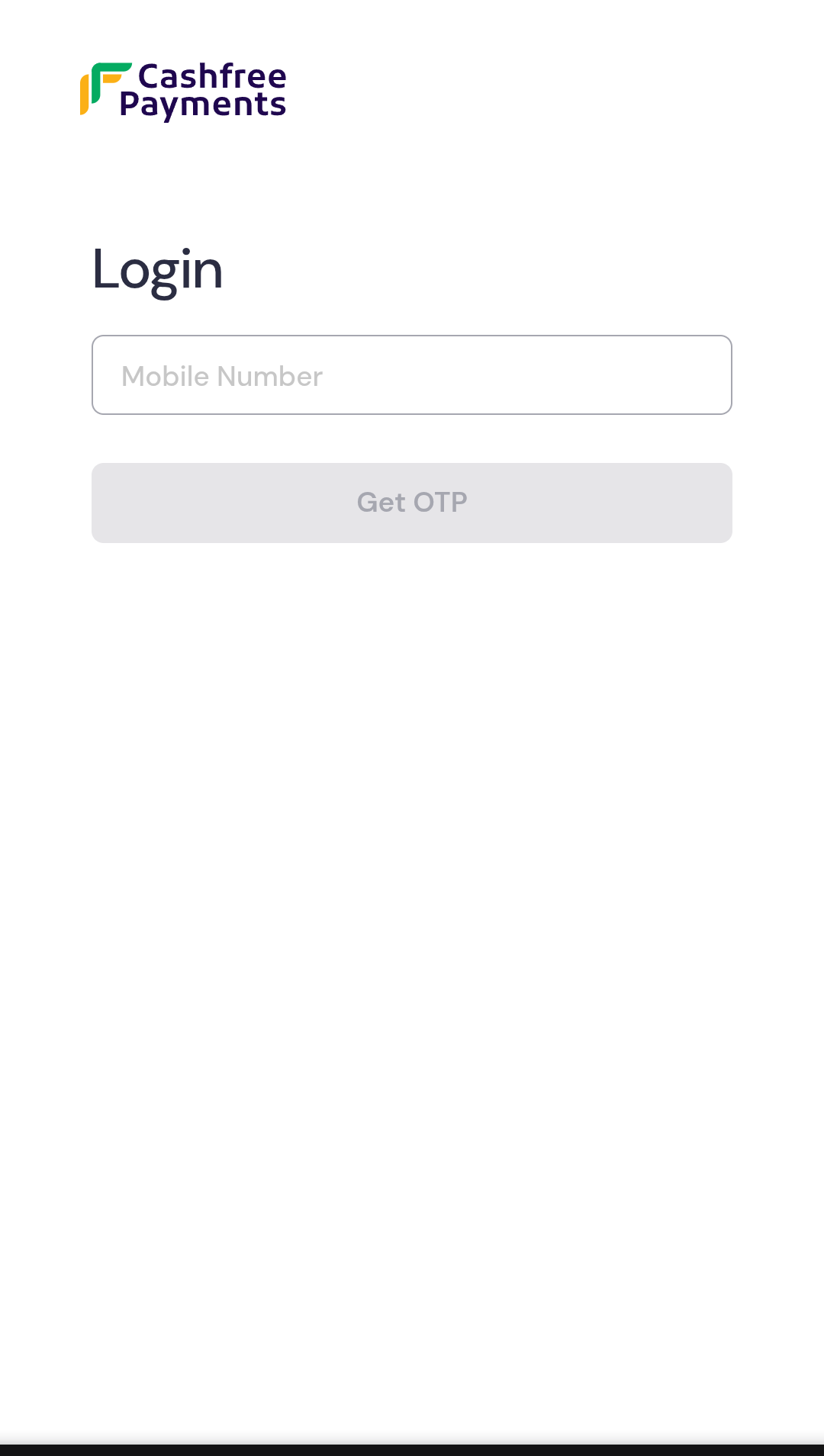
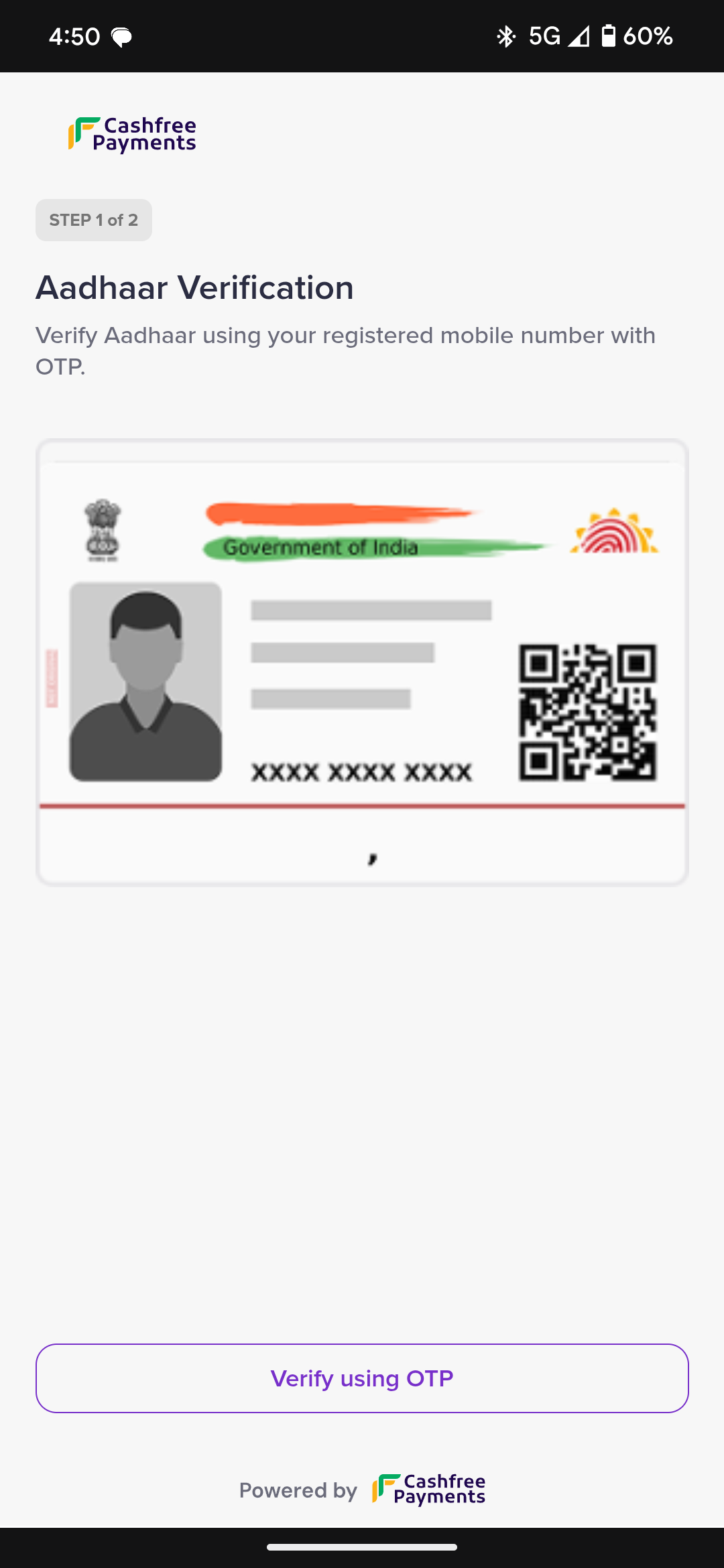
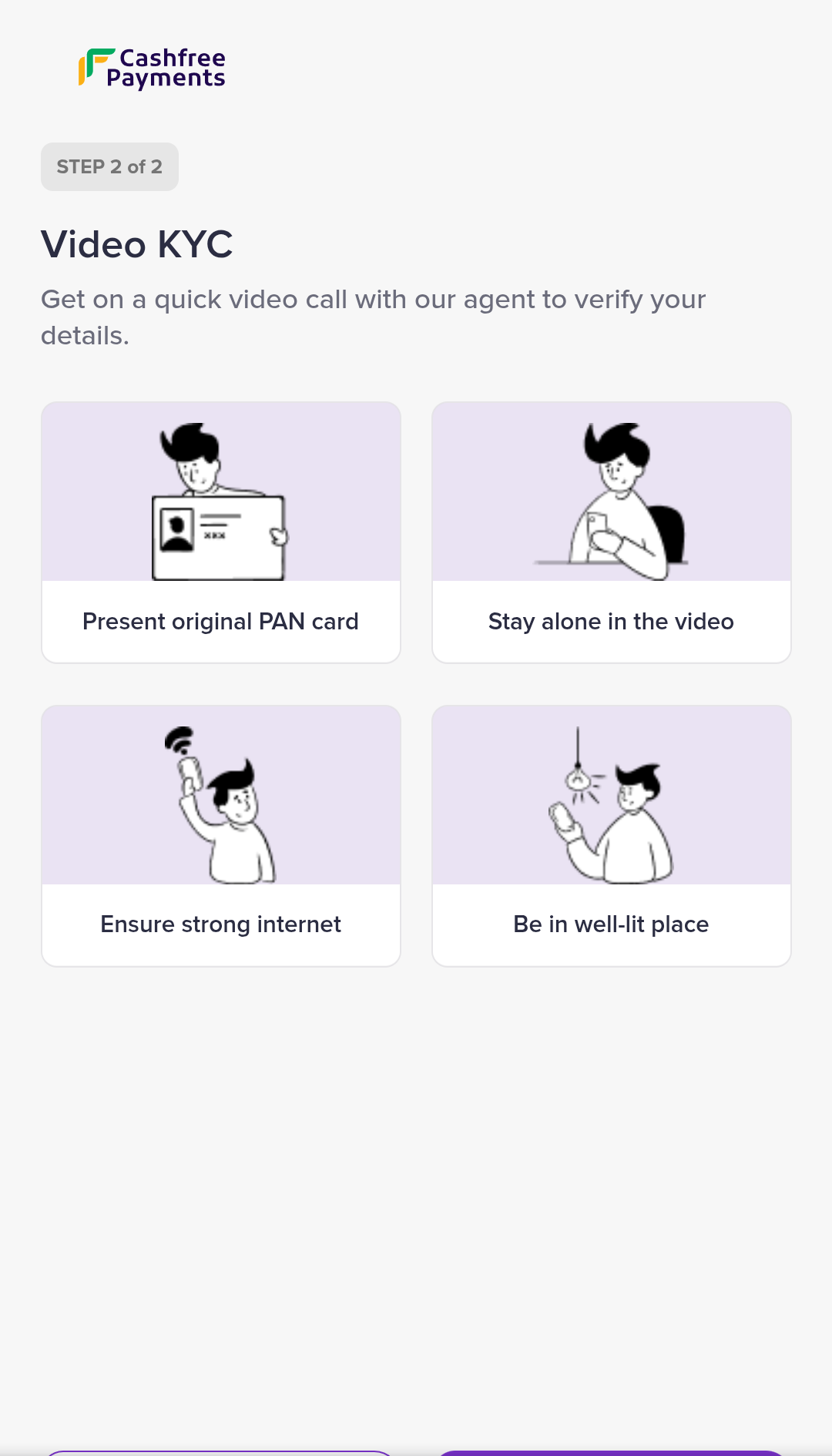
This template includes mobile OTP authentication, offline Aadhaar verification, and an agent-assisted video call.
* Mobile OTP authentication
 * Offline Aadhaar verification
 * Agent-assisted video call
 ### vkyc\_user\_template\_v1
This template includes mobile OTP authentication and an agent-assisted video call.
* Mobile OTP authentication
* Agent-assisted video call
To create a custom `user_template`, contact your account manager.
## Agent template (`agent_template`)
An agent template defines the steps that an agent must complete during VKYC.\
Possible values:
### vkyc\_agent\_template\_v1
This is the default template used by agents for the VKYC process.
### vkyc\_user\_template\_v1
This template includes mobile OTP authentication and an agent-assisted video call.
* Mobile OTP authentication
* Agent-assisted video call
To create a custom `user_template`, contact your account manager.
## Agent template (`agent_template`)
An agent template defines the steps that an agent must complete during VKYC.\
Possible values:
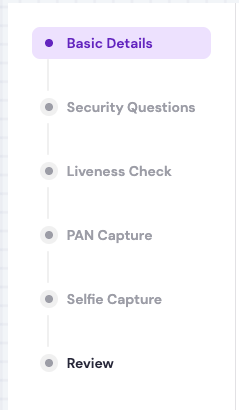
### vkyc\_agent\_template\_v1
This is the default template used by agents for the VKYC process.
 To create a custom `agent_template`, contact your account manager.