> ## Documentation Index
> Fetch the complete documentation index at: https://cashfreepayments-d00050e9-theme-update.mintlify.site/llms.txt
> Use this file to discover all available pages before exploring further.
# Get Started as Affiliate Partner
Visit the [Cashfree Payments website](https://www.cashfree.com/affiliate-program/) and signup for our affiliate program. After you complete the signup process, you will get access to the Affiliate Partner Dashboard. You can add merchants, keep a check on your commissions, get a snapshot of your business with Cashfree, and more within the Affiliate Partner Dashboard.
## Signup for the affiliate program
To become an Affiliate Partner, you must first create an Affiliate Partner account with Cashfree.
1. Go to the [Cashfree Affiliate Partner website](https://www.cashfree.com/affiliate-program/) and click **Become A Partner**.
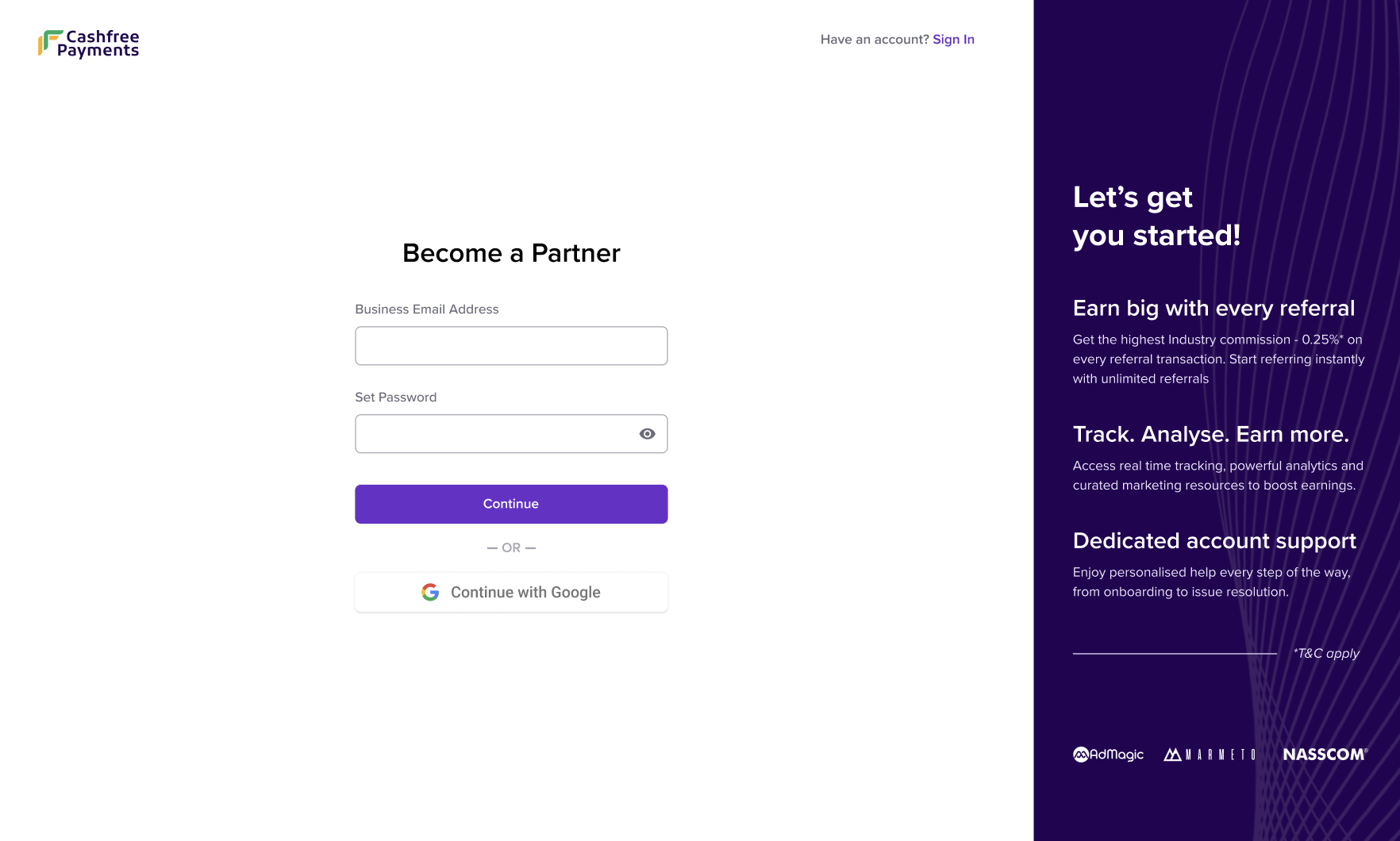
2. In the **Become a Partner** window, enter your business email and create a password for your account or signup using your Gmail account.
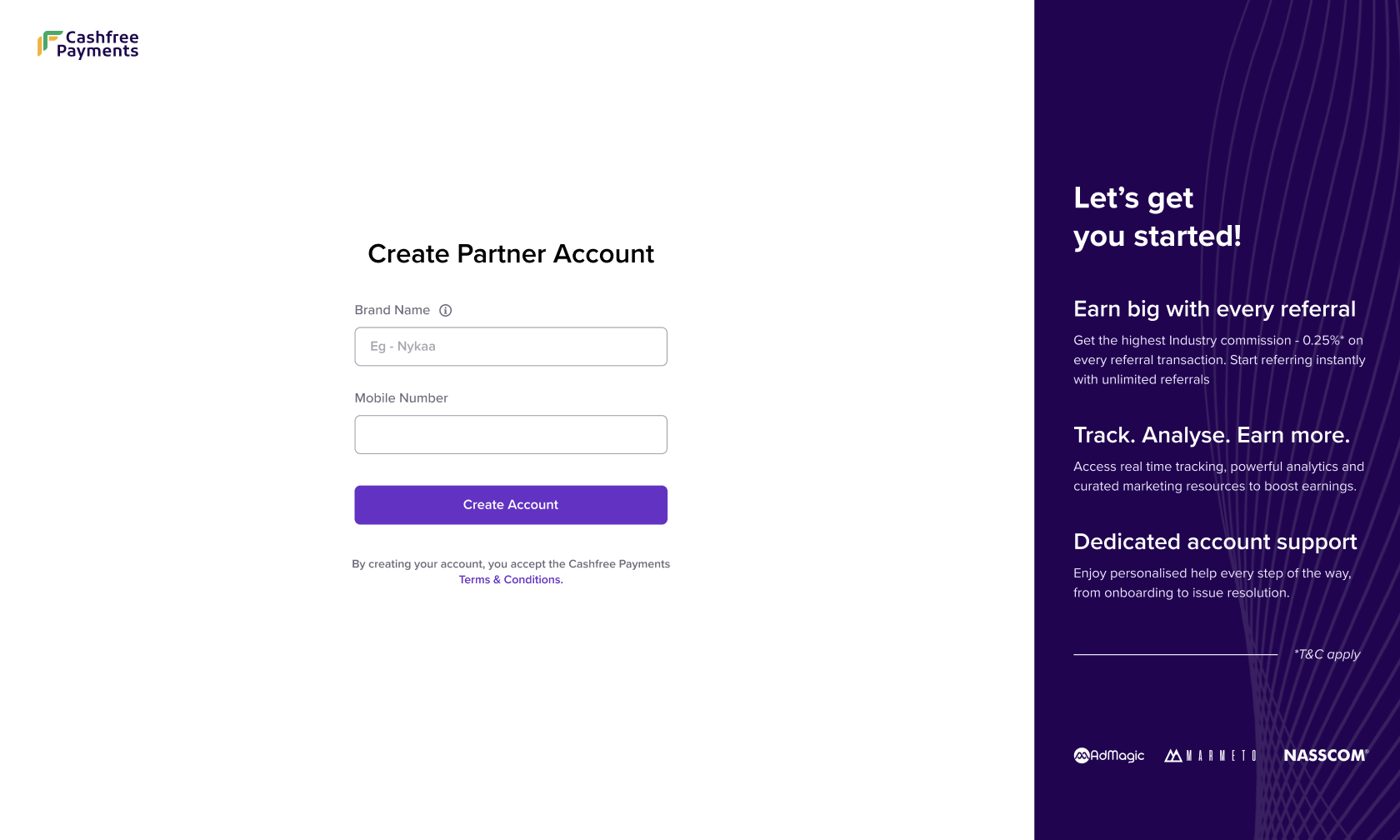
3. In the **Create Partner Account** window, enter your brand name and valid mobile number. Cashfree will verify the mobile number by sending an OTP.
4. [Login](https://www.cashfree.com/affiliate-program/) to the Affiliate Partner Dashboard using the same credentials.
## Activate affiliate account
After signing up, you must complete the KYC process to activate your affiliate account. We’ll verify your submitted details and enable your account for commission payouts.
**Note:** Commission earnings are activated only after KYC verification. Complete the KYC process at the earliest.
### To activate your account:
1. Login to the [Affiliate Partner](https://partner.cashfree.com/auth/login) dashboard using your credentials.
2. On the **Summary** page, go to the **Complete your KYC** banner and select **Complete Now**.
3. In the KYC form:
* Fill in your business details.
* Fill in your business verification details.
* Fill in your bank account details.
4. Select **Submit**.
Cashfree Payments will review your submission. While your KYC is under review, you can begin referring merchants. The review process typically takes fewer than **3 business days**.
* You will be notified via **email** and **WhatsApp** once the review is complete. You can also track the status on your **Partner Dashboard**.
* If any discrepancies are found, they will be displayed on your dashboard. Please correct and resubmit the details.
* Once your KYC is approved, you will be eligible to withdraw any earned commissions.
**Info:** Offer Cashfree Payments product suite to your clients. You can refer merchants using your Dashboard. Once referred, you can assist them with their KYC and Payment Integration. Learn how to [refer new merchants](/partners/affiliates/refer-merchants) using your Affiliate Partner Dashboard.
**Note**: Offer Cashfree Payments product suite to your clients. You can refer merchants using your Dashboard. Once referred, you can assist them with their KYC and Payment Integration. Learn how to [refer new merchants](/partners/affiliates/refer-merchants) using your Affiliate Partner Dashboard.
## Partner activation checklist
The following documents are required for KYC verification, based on your business type:
| **Business Type** | **Requirement** | **Details / Accepted Documents** |
| - | - | - |
| **Individual (unregistered)** | Business identity proof | Personal PAN |
| | Business owner identity proof | Aadhaar (of owner) |
| | Business bank account proof | Owner’s bank account |
| **Sole proprietorship** | Business identity proof | Personal PAN |
| | Business registration proof | GSTIN or one of:
• Municipal certificate
• Shop establishment certificate
• Udyog Aadhaar |
| | Business owner identity proof | Aadhaar (of owner) |
| | Business bank account proof | Business bank account |
| **Private or public limited** | Business identity proof | Company PAN |
| | Business registration proof | CIN or GSTIN |
| | Business owner identity proof | PAN and Aadhaar (of owner) |
| | Business bank account proof | Business bank account |
| **Partnership** | Business identity proof | Company PAN |
| | Business registration proof | Registered partnership deed |
| | Business owner identity proof | PAN and Aadhaar (of owner) |
| | Business bank account proof | Business bank account |
| **LLP** | Business identity proof | Company PAN |
| | Business registration proof | LLPIN or GSTIN |
| | Business owner identity proof | PAN and Aadhaar (of owner) |
| | Business bank account proof | Business bank account |
| **Hindu Undivided Family (HUF)** | Business identity proof | Company PAN |
| | Business registration proof | Registered HUF deed |
| | Business owner identity proof | PAN and Aadhaar (of owner) |
| | Business bank account proof | Business bank account |
| **Others** | Business identity proof | Company PAN |
| | Business registration proof | Registered business proof or GSTIN |
| | Business owner identity proof | PAN and Aadhaar (of owner) |
| | Business bank account proof | Business bank account |