There are various reports that can be generated from BBPS Billers. These reports help you to analyse your business transactions, and much more. You can view these reports day-wise, week-wise or for a custom date range. You also have the option to download the reports. There are two reports you can generate from the BBPS Billers Report DashboardDocumentation Index
Fetch the complete documentation index at: https://cashfreepayments-d00050e9-theme-update.mintlify.app/llms.txt
Use this file to discover all available pages before exploring further.
- Transactions Report
- Bill Status Report
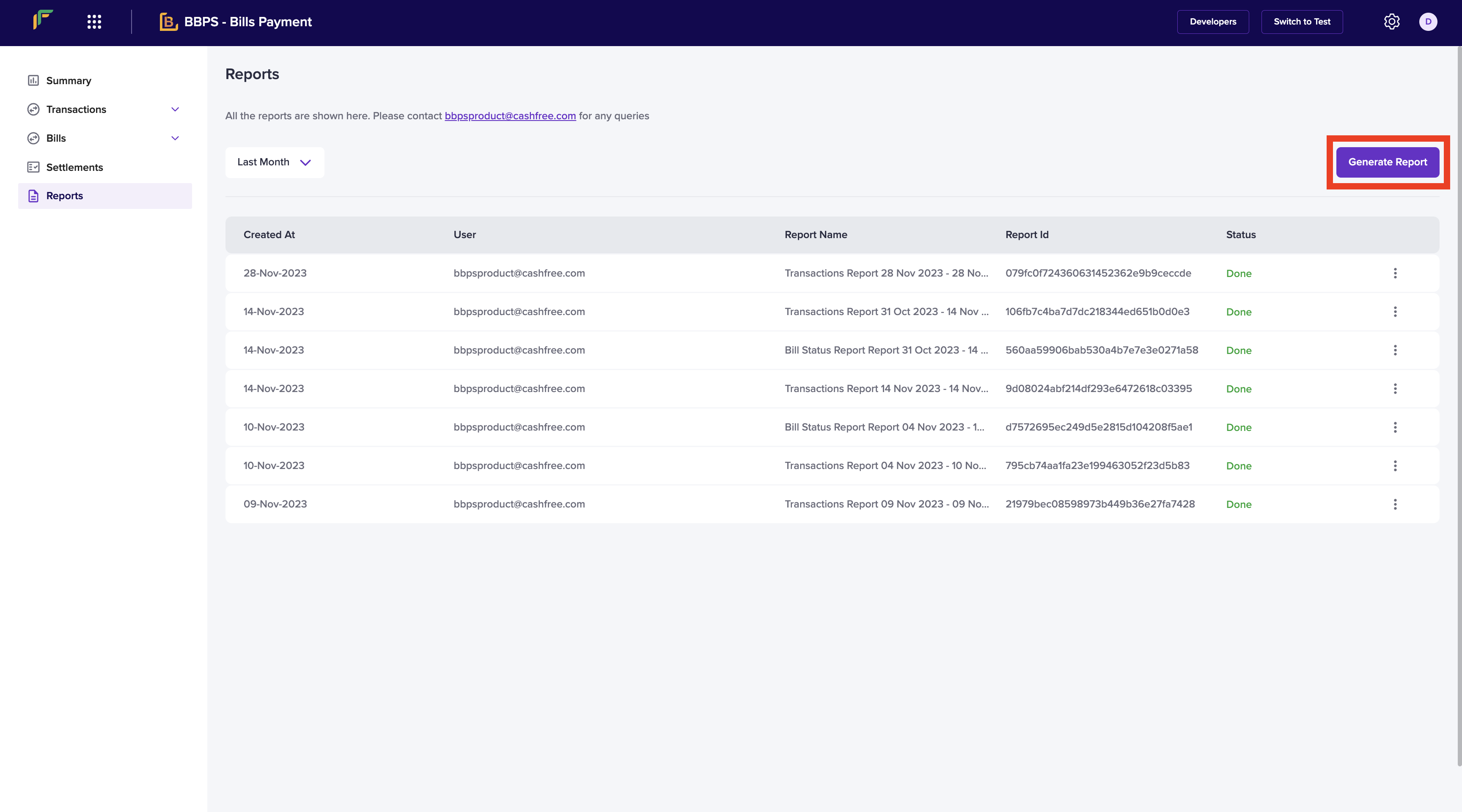
- Go to BBPS Billers Dashboard > Reports > Generate Report.
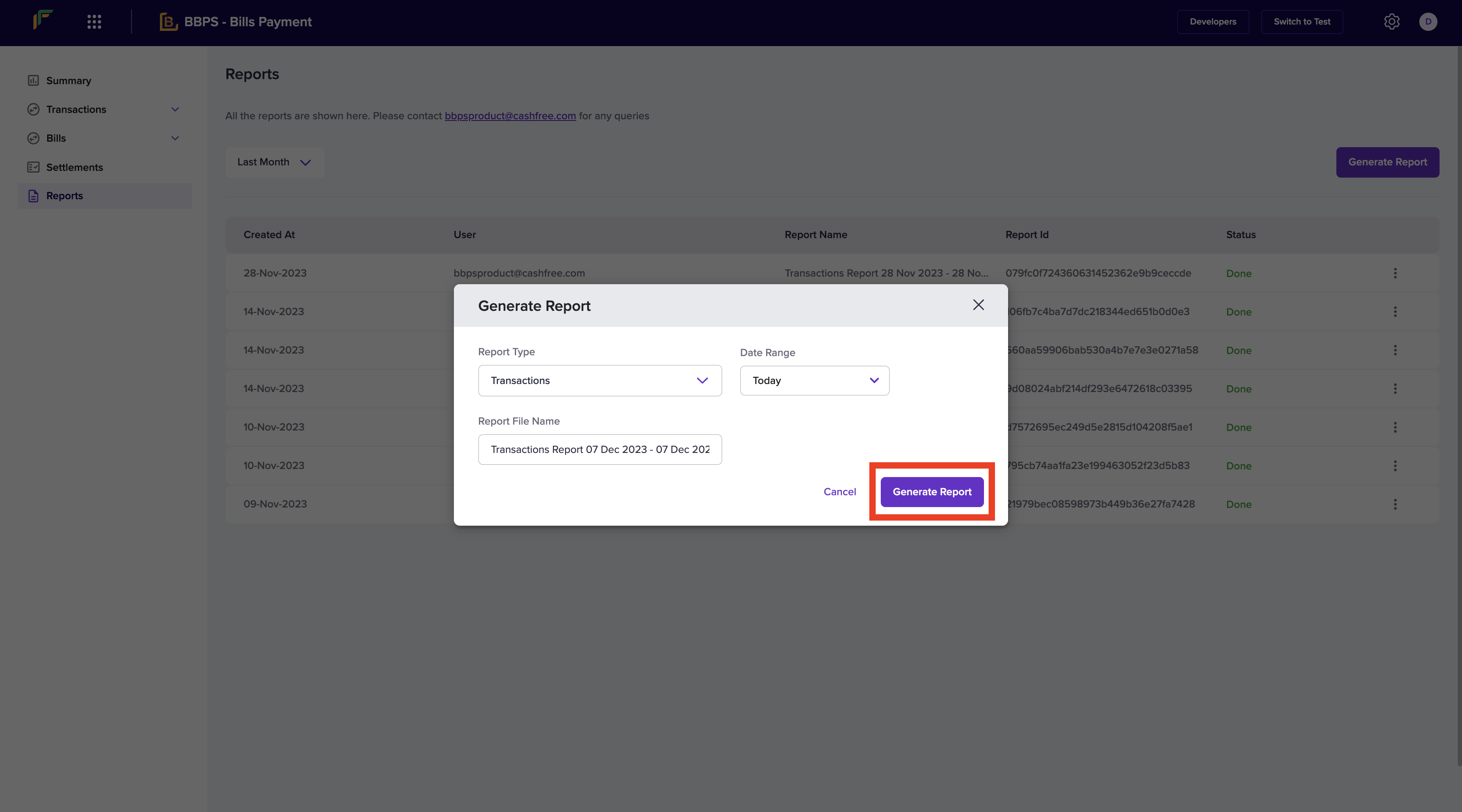
- Select the Report Type, Date Range, and provide a File Name. Once done, click Generate Report.
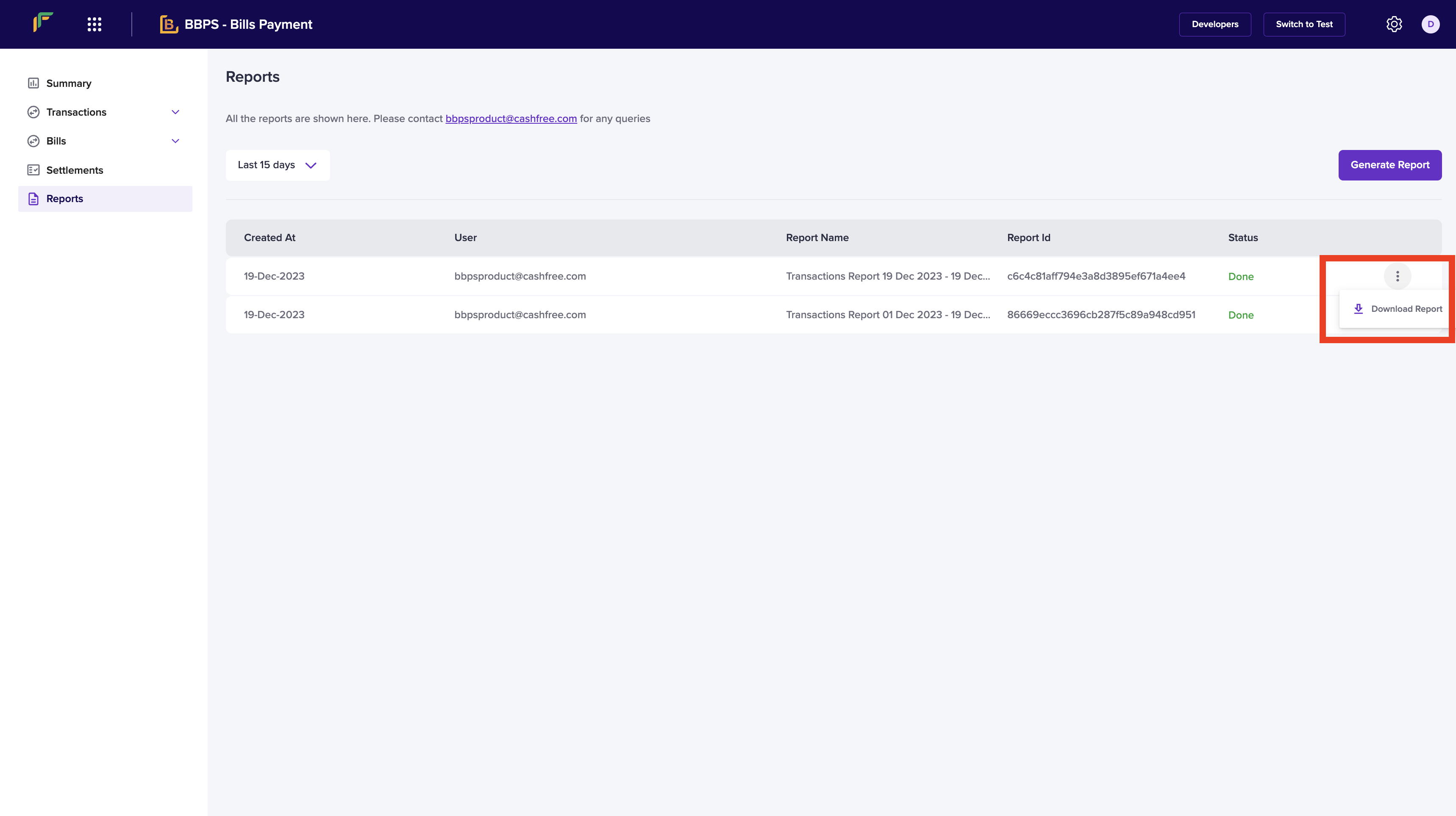
- You can also download your report. Click the ellipsis icon on the report you want to download and click Download Report.