

Seamless Guide to save a card for a customer
Create order with customer id
To begin you need to send the customer information to cashfree as part of thecreate order api. You do this by sending customer_id parameter in the (create order api request)[/api/payments/latest/orders/create].
Here’s a sample request for creating an order using your desired backend language. Cashfree offers backend SDKs to simplify the integration process.
You can find the SDKs here.
order_id and payment_session_id that you need for subsequent steps.
You can view all the complete api request and response for /orders here.
Render UI to the customer
In this step, you need to display the checkout interface to the customer. The UI should include a checkbox, allowing the customer to consent to card storage for future use.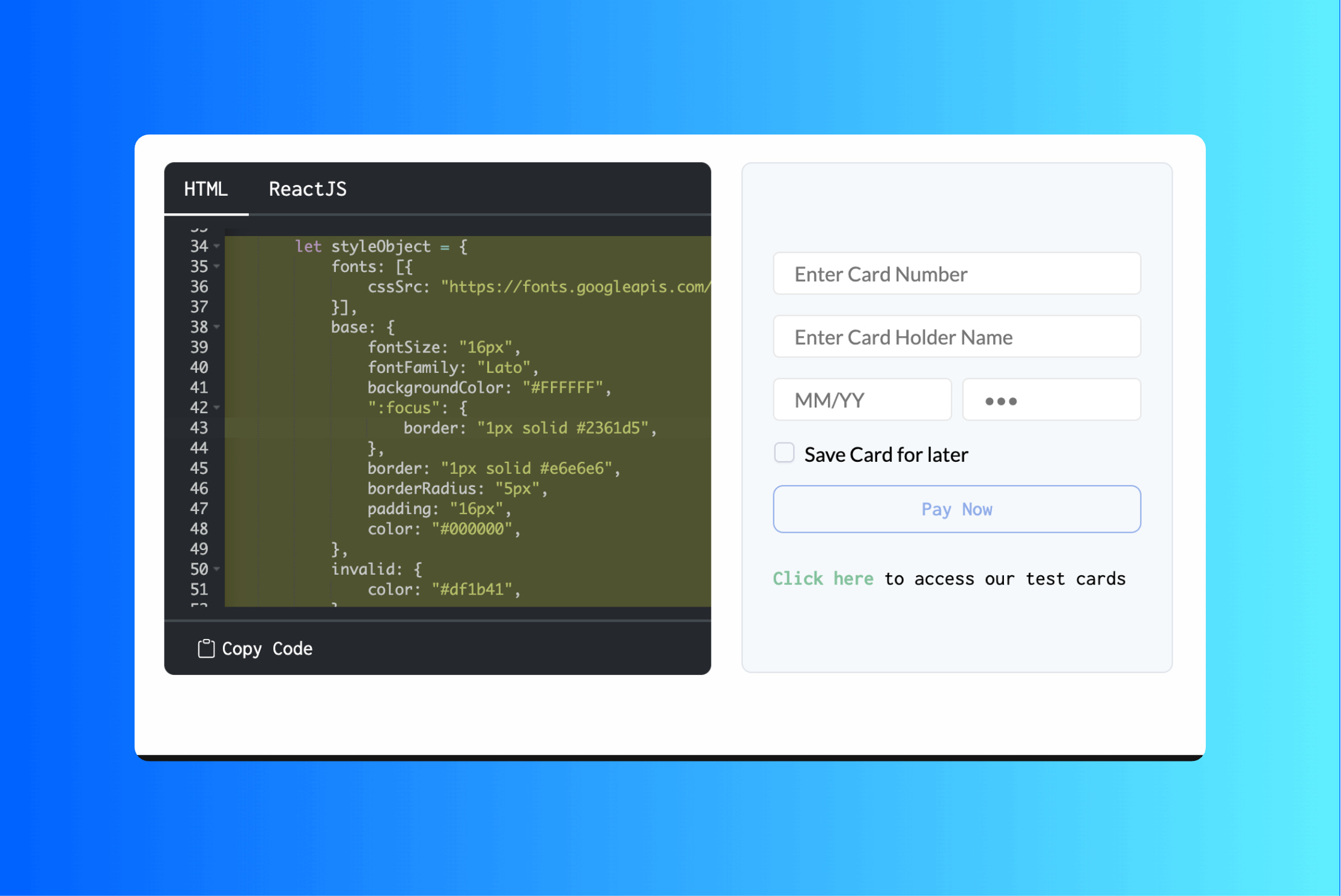
Send card details to Cashfree
In the make payment api, you need to setsave_instrument to true after obtaining the customer’s consent. Once consent is received, Cashfree will initiate a token generation request with the card networks. Cashfree will first process the payment, completing the 2FA (two-factor authentication) step before sending the token generation request. If 2FA is not successfully completed—meaning the payment fails—Cashfree will not send the token provisioning request to the card networks, and the card will not be tokenized.
If the payment is successful the card will be tokenized and stored in Cashfree’s vault
Guide to get and use a saved Card
Get Saved Cards
You first need to get the saved cards for a customer using thecustomer_id. You can then display these cards to the customer.
Payment for a saved card
Once you have theinstrument_uid, you can pass that in the order pay api to intiate payment for a specific card.