

- Go to Payment Gateway Dashboard > Reports.
- In the Report Type field, select Refunds, and click Generate Report.
- Select the date range, file format, and file name. and click Generate Report.
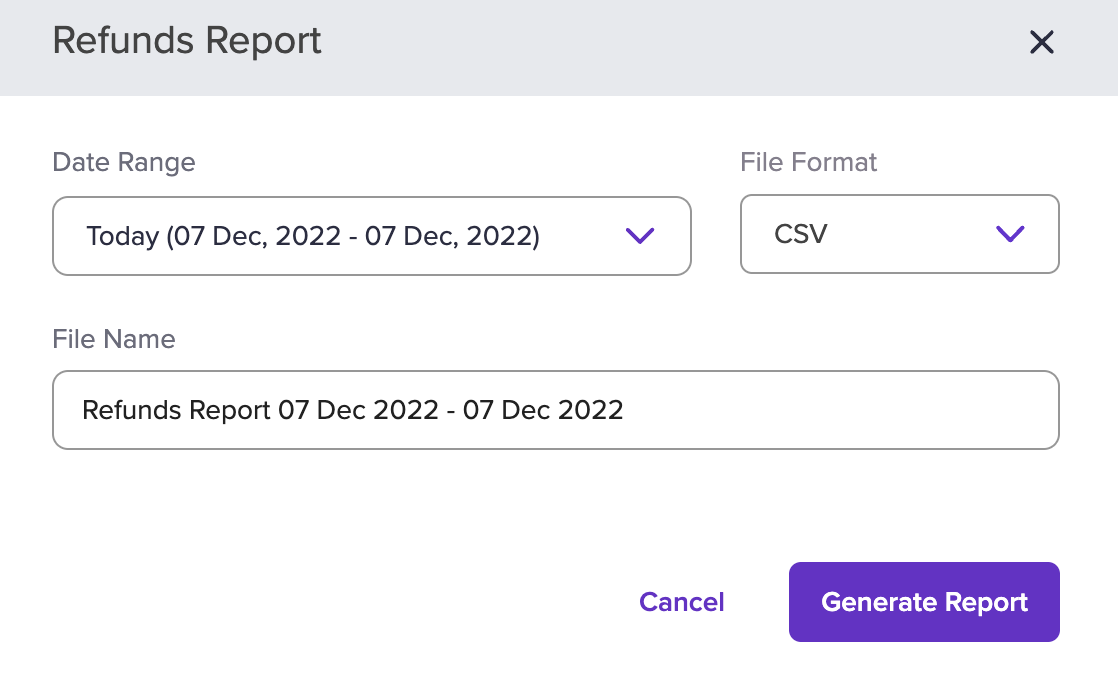 The report will be generated based on the criteria you have filtered. You can download the report after it has been generated.